
Manage tabs, links, and notes in one Chrome workspace.
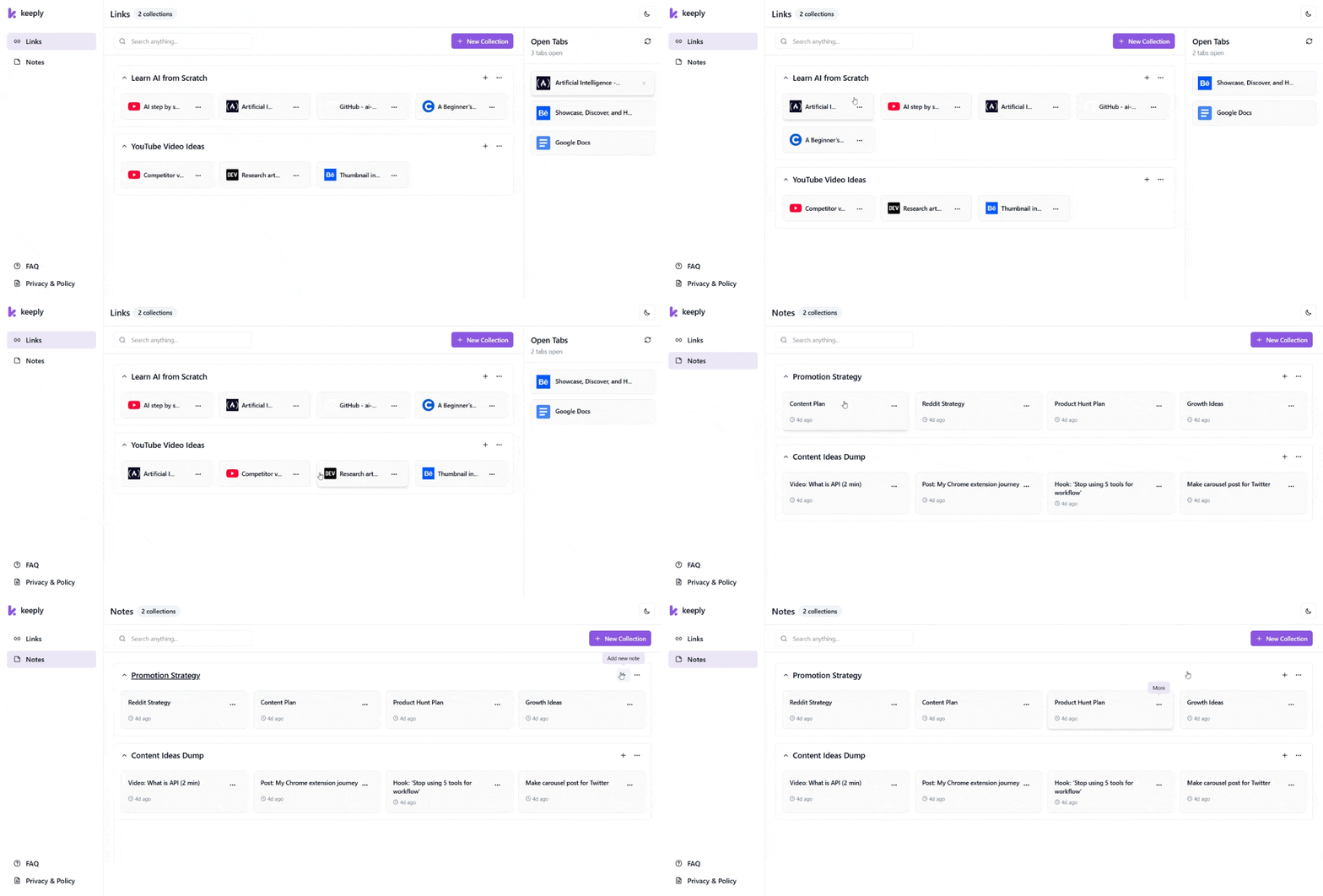
Your browser shouldn't be your memory.
Close tabs without losing context.
Keep the “why” with every link.
Give every project its own workspace.
Find saved work in seconds.
A Chrome tab manager built for real browser work.
Smart Collections & Workspaces
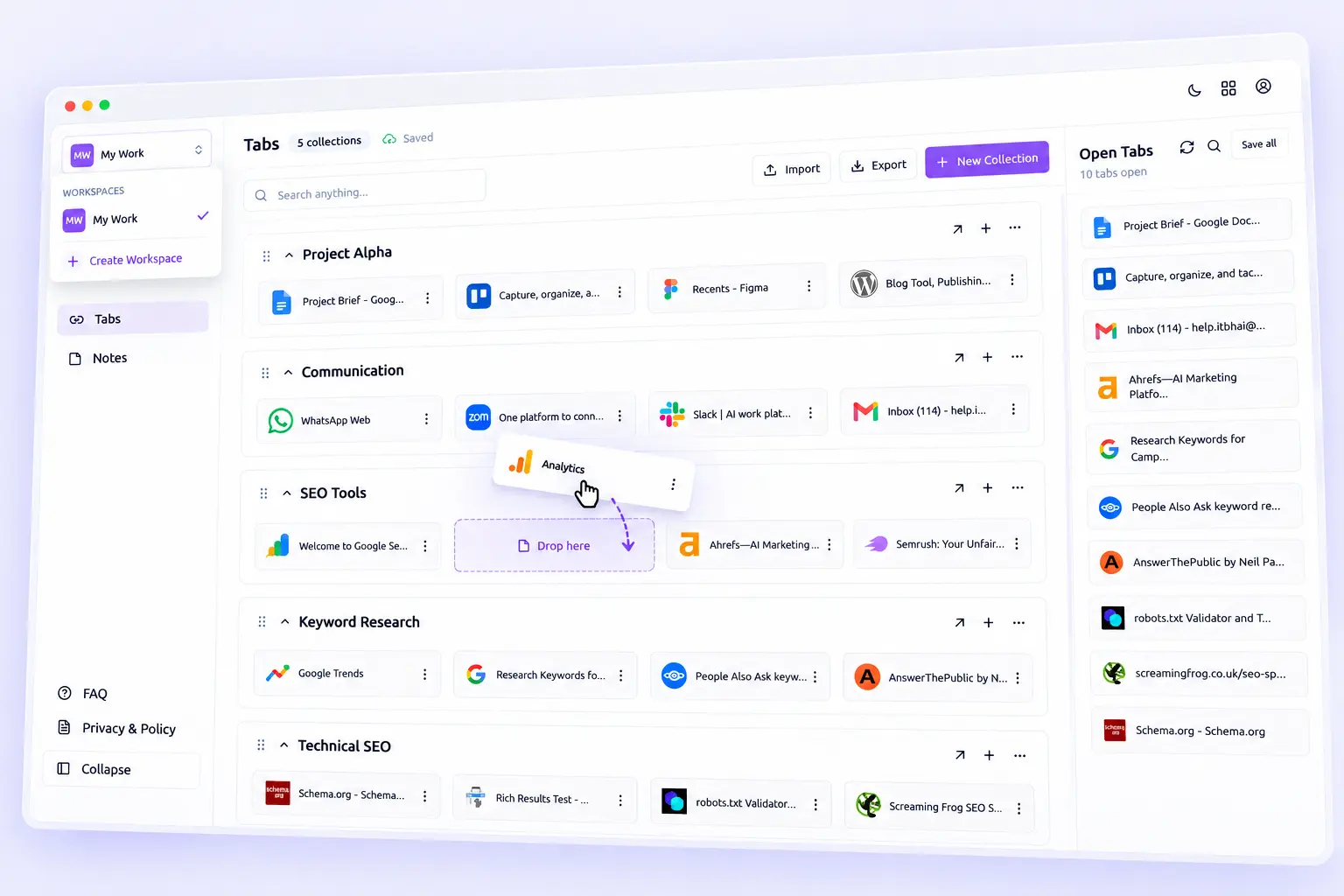
Turn Every New Tab Into Your Dashboard
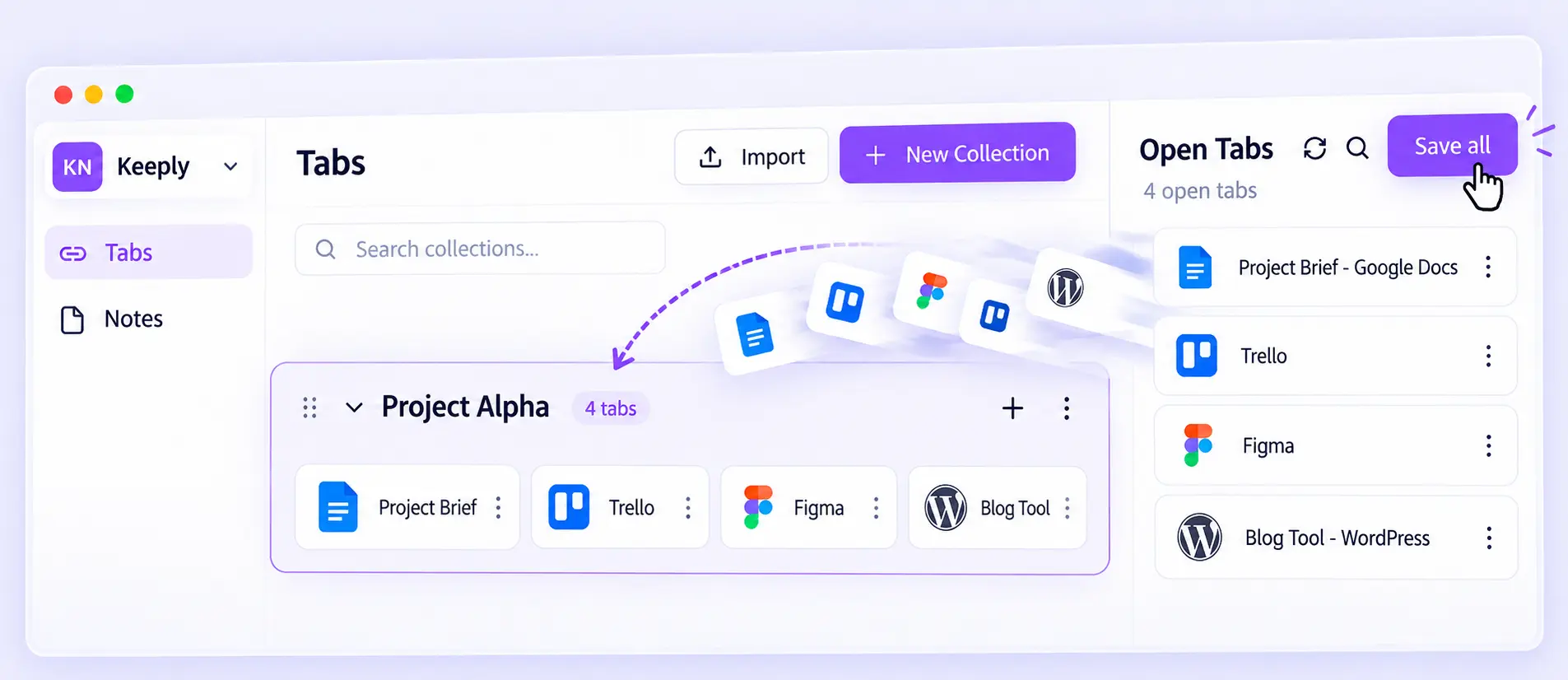
Save Open Tabs Together
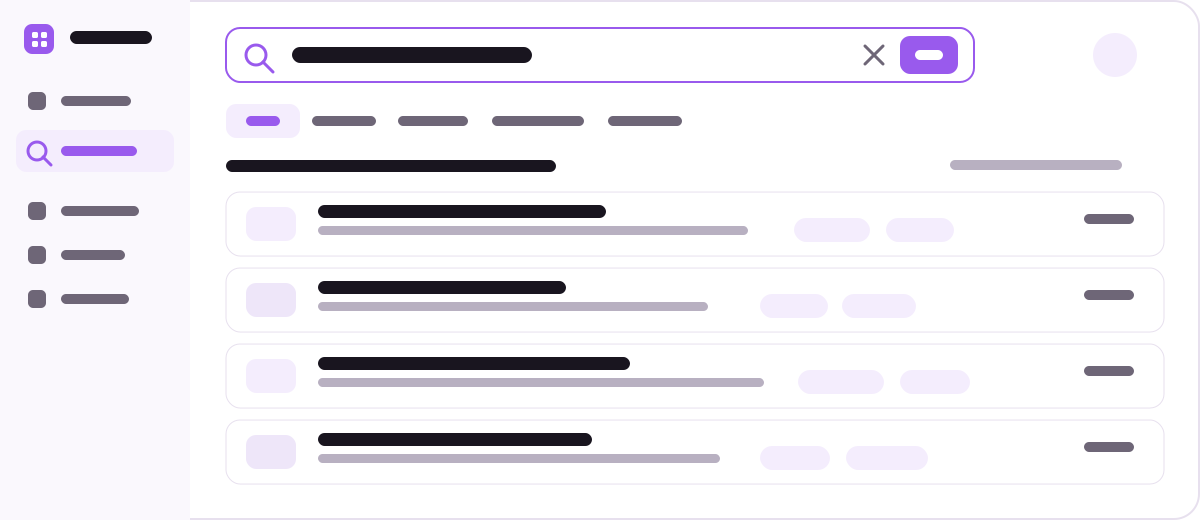
Find Saved Work Instantly
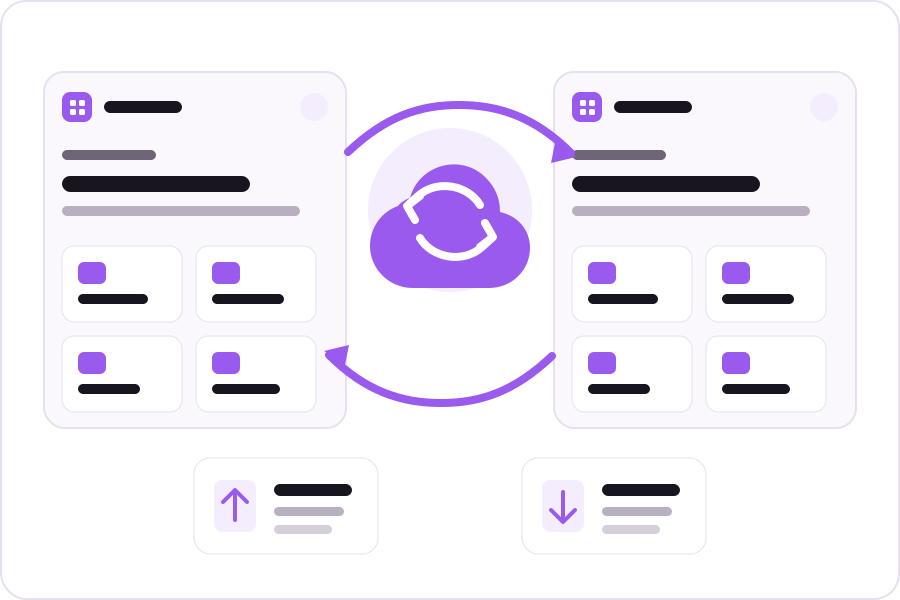
Move or Sync Your Workspace
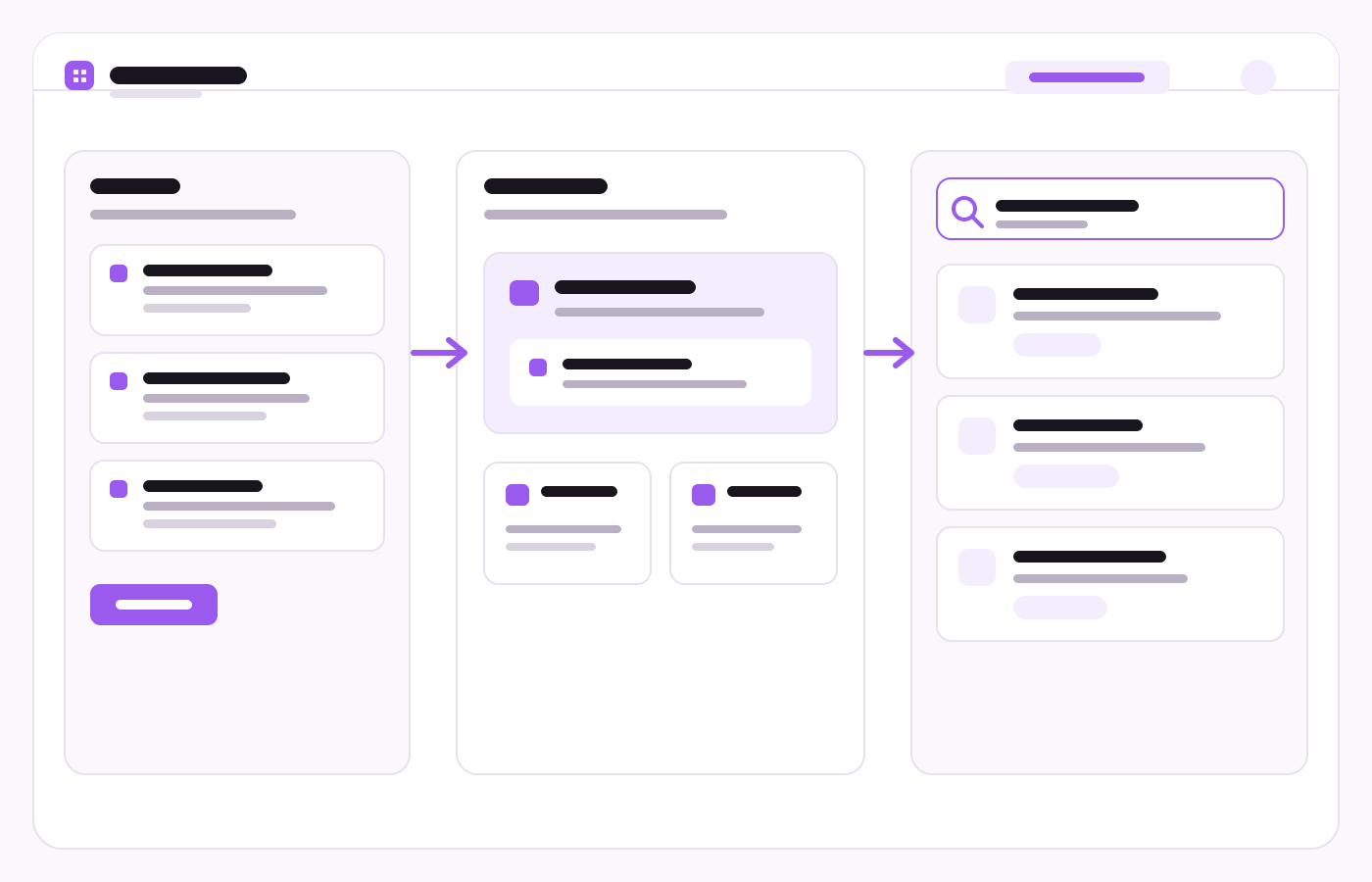
Save it once. Find it fast.
Capture what matters
Organize it once
Pick up where you left off
One browser workspace for every kind of work.
Keep docs, GitHub, issues, and notes together.
Turn research tabs into a useful library.
Keep sources, ideas, and examples connected.
Switch projects without losing context.
Local first. Sync only when you want.
Local storage by default
No account required
Cloud sync is optional
No browsing-history collection
Turn browser clutter into a system you can reuse.
Open tabs become your reminder system.
Your work stays ready to resume.
Keeply FAQ
Keeply is a Chrome productivity extension for organizing browser tabs, saved links, quick notes, collections, and workspaces in one place. It also provides a new tab dashboard so your saved context is easy to reach while you browse.
Yes. Keeply can display your currently open browser tabs so you can save the tabs you choose into collections as links. When a tab is saved, Keeply stores its URL, title, and favicon.
Keeply overlaps with both, but its goal is broader. It combines link saving, open-tab capture, quick notes, collections, workspaces, search, and a new tab dashboard so the resource and its context can stay together.
No. An account is optional. You can use Keeply in local mode without creating an account. Account features are used when you choose optional cloud synchronization.
By default, saved links, notes, collections, and extension settings are stored locally on your device using Chrome storage. If you enable Cloud Sync, the data you choose to synchronize is also stored through Keeply's sync infrastructure so it can be available across your signed-in devices.
No. Keeply is designed to save the links, tabs, notes, and collections that you explicitly choose to keep. Its privacy policy states that browsing history is not collected for profiling or advertising.
Yes. Keeply provides its own new tab dashboard so you can quickly reach your saved collections, links, notes, and workspace whenever you open a new tab.